Telling your Green Star Story
Whether you are just starting your Green Star journey or have recently achieved certification, this page is your home for everything you need to communicate your commitment with confidence.
Green Star Marketing Rules
Everything you need to promote your Green Star ambitions – all in one place
Our marketing rules are your one-stop resource for communicating your Green Star project accurately and with confidence. Inside you'll find:
- What is Green Star? — Plain-language messaging on what Green Star is, what the ratings mean, and why it matters.
- Green Star communications principles — What you can say, what to avoid, and how to stay compliant with ACCC guidance.
- Rating tool guidance — The right language for your specific tool and stage — registered, design assessed, or certified.
- Inspiration library — Inspiration and ideas to bring your Green Star story to life across every channel.
Please note: Previous marketing rules and style guides for Green Star projects have been replaced by the new Green Star marketing rules. Earlier guidelines including those for Green Star Buildings, Performance v2, Communities v2, and legacy tools no longer apply.
Additional resources
Media kit
For journalist covering stories about Green Star projects or the Green Building Council of Australia, please see the media kit for guidance and contact details.
Certification counts: equivalency and the risks of self-assessment
For all projects considering Green Star certification, this guide has all you need to know about independent verification, equivalency and self-assessment.
Achieved certification? Time to get a plaque and decal
We know that displaying the achievement of a Green Star rating is important for two reasons; not only is it a recognition of your hard work which should be celebrated, but it’s also a great conversation starter for educating the public and stakeholders who come to your building. You can choose either a plaque, or decal, or both:
Plaque
Our sleek, modern and durable plaques have been designed to showcase projects that achieve a 4, 5 or 6 rating. Some choose to showcase this in areas with the most foot traffic, while others hang it on the wall of an office.
A plaque will be a constant reminder of your project's commitment to creating better, healthier and more responsible buildings and places.
Contact us to purchase a plaque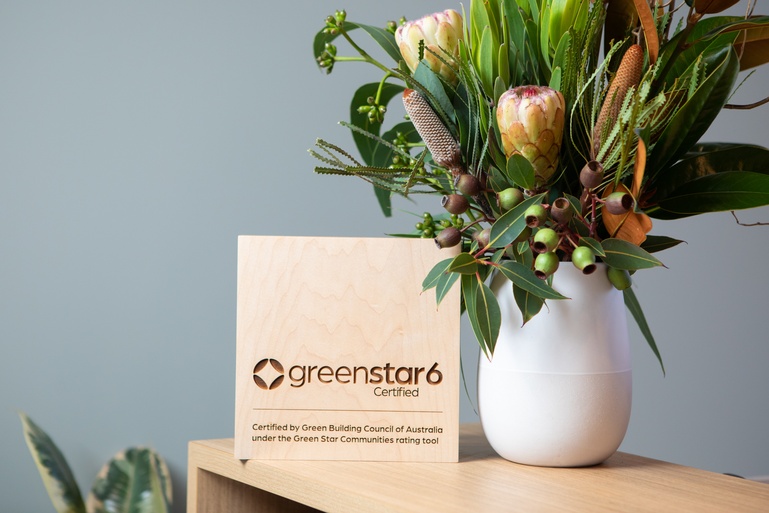
Digital decals
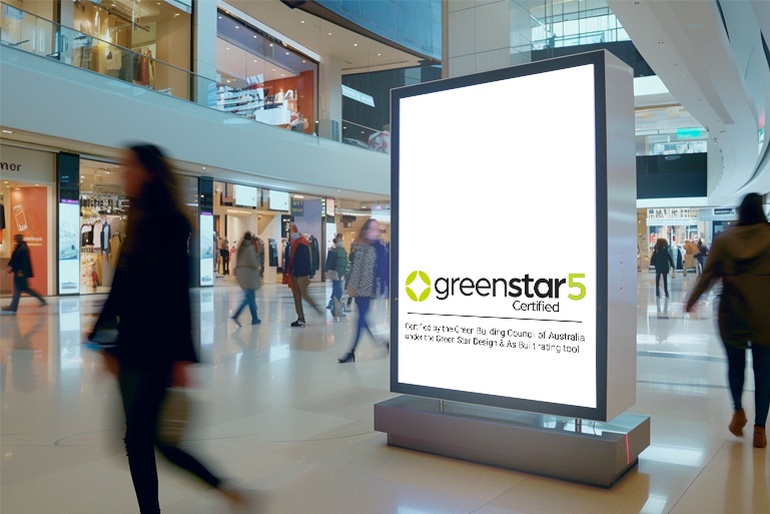
Our digital decals are another option for you to showcase your project's achievement. They can be easily uploaded to any relevant screens within your building. We offer a portrait and landscape version free of charge.
These are available for 4, 5 & 6 Star projects certified under Green Star Performance, Communities, Interiors and legacy tools including Design & As Built.
Digital decals are available for download in all project contact's Green Star Manager resource portal. By opening the certified project, and clicking on the 'Resources files' tab, your decals will be available under the 'Marketing' section.